01. Sound Placement
the rundown
Problem: Speaker in front of the house made the audio feel like an announcement, not a world.
Fix: Moved it behind the house. Sound comes from inside now, which reinforces the projection instead of competing with it.
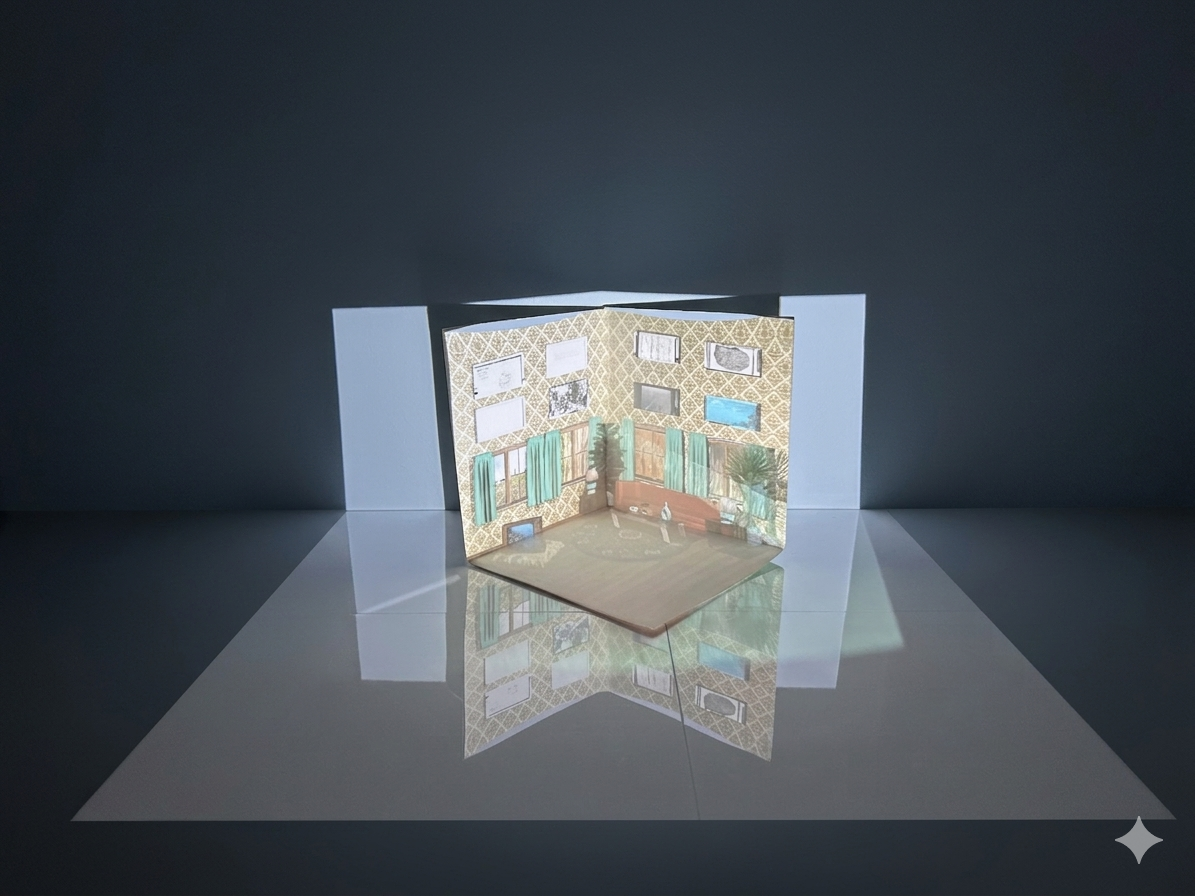
The installation is built around a 3D-printed house with a projector casting historical imagery onto its surface, extending the illusion of a sidewalk into the viewer's physical space so the boundary between the model and the room dissolves.
Problem: The sound component (recordings of someone moving through a house, doing ordinary things) wasn't creating the right sense of presence. Placed in front of the house, it felt external, like an announcement rather than a world.
Process: Tested the full installation during a structured presentation demo and gathered feedback on how the audio felt in relation to the projection.
Decision: Moved the speaker behind the house so the sound appears to come from within. The recordings feel like evidence of life inside, reinforcing the projection instead of competing with it.
02. 3D-Printed House: Scale
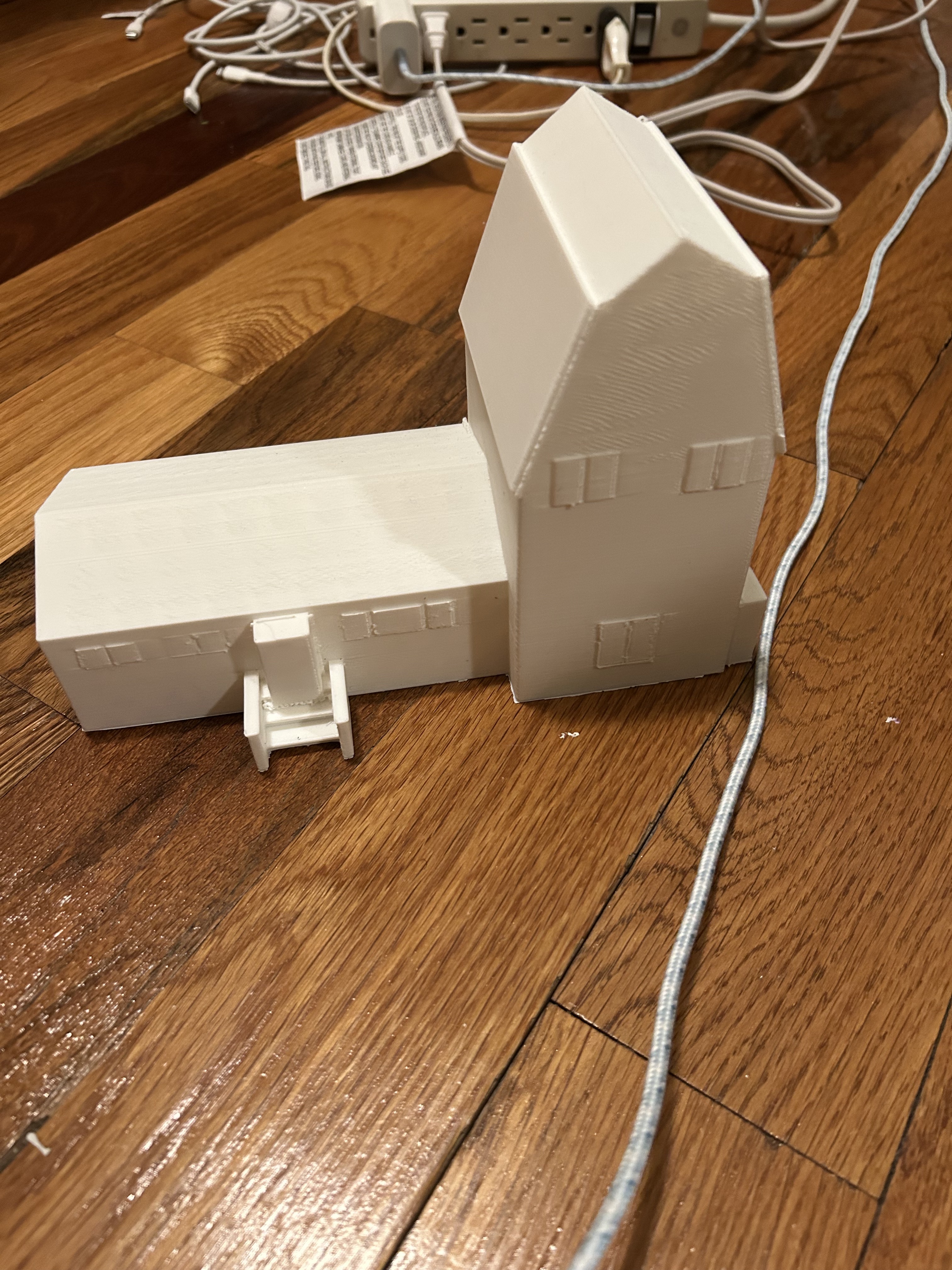
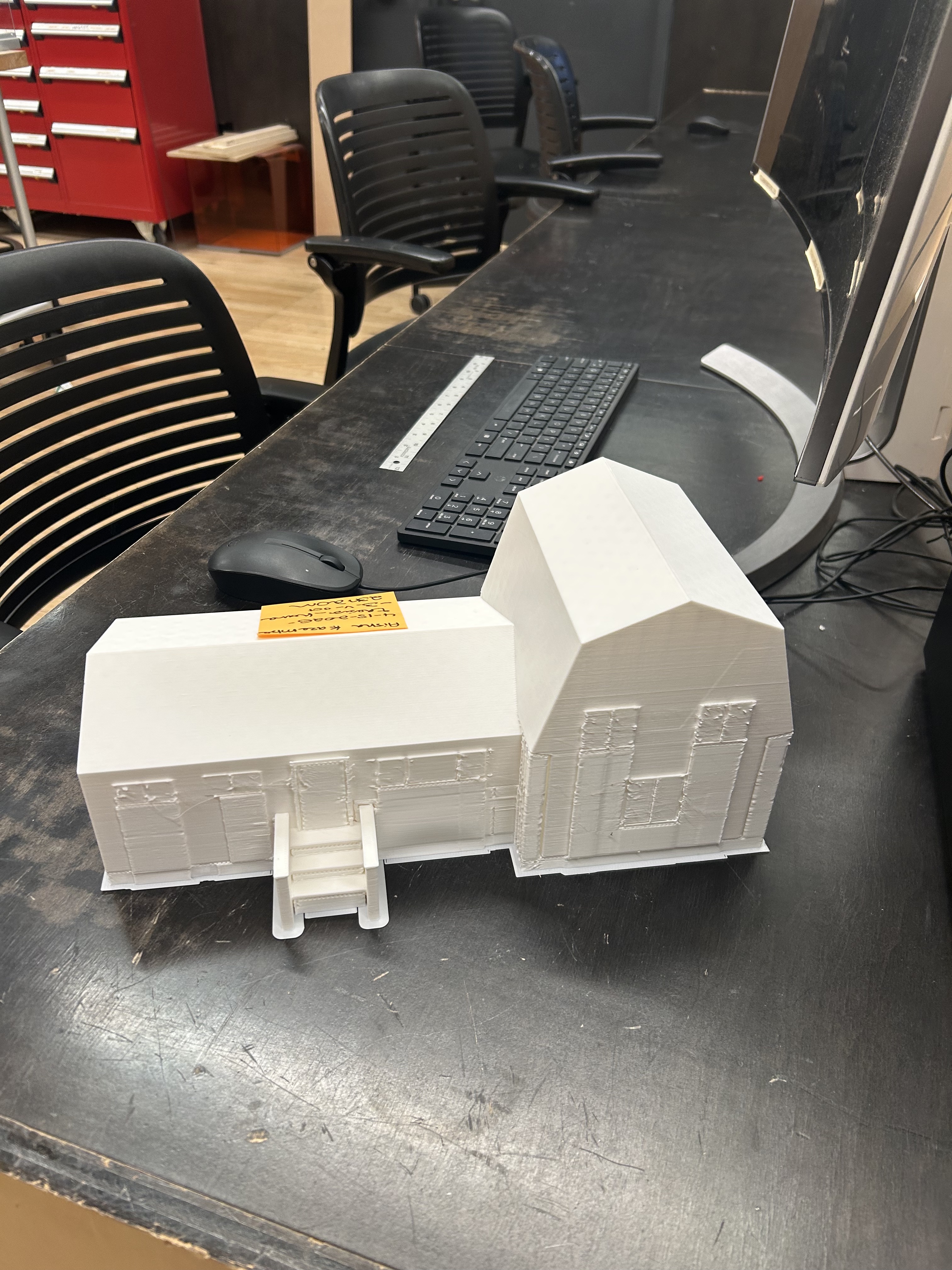
Problem: The first print was too small. At that scale the projection lost detail and the model read as a toy rather than a home.
Process: Tested projection quality on the small model. The surface area wasn't large enough for the projector to render texture or detail legibly.
Decision: Reprinted at a larger scale. The increased surface area made the projection sharp and the model convincing in the space.
03. Room Projection Surface: Materials
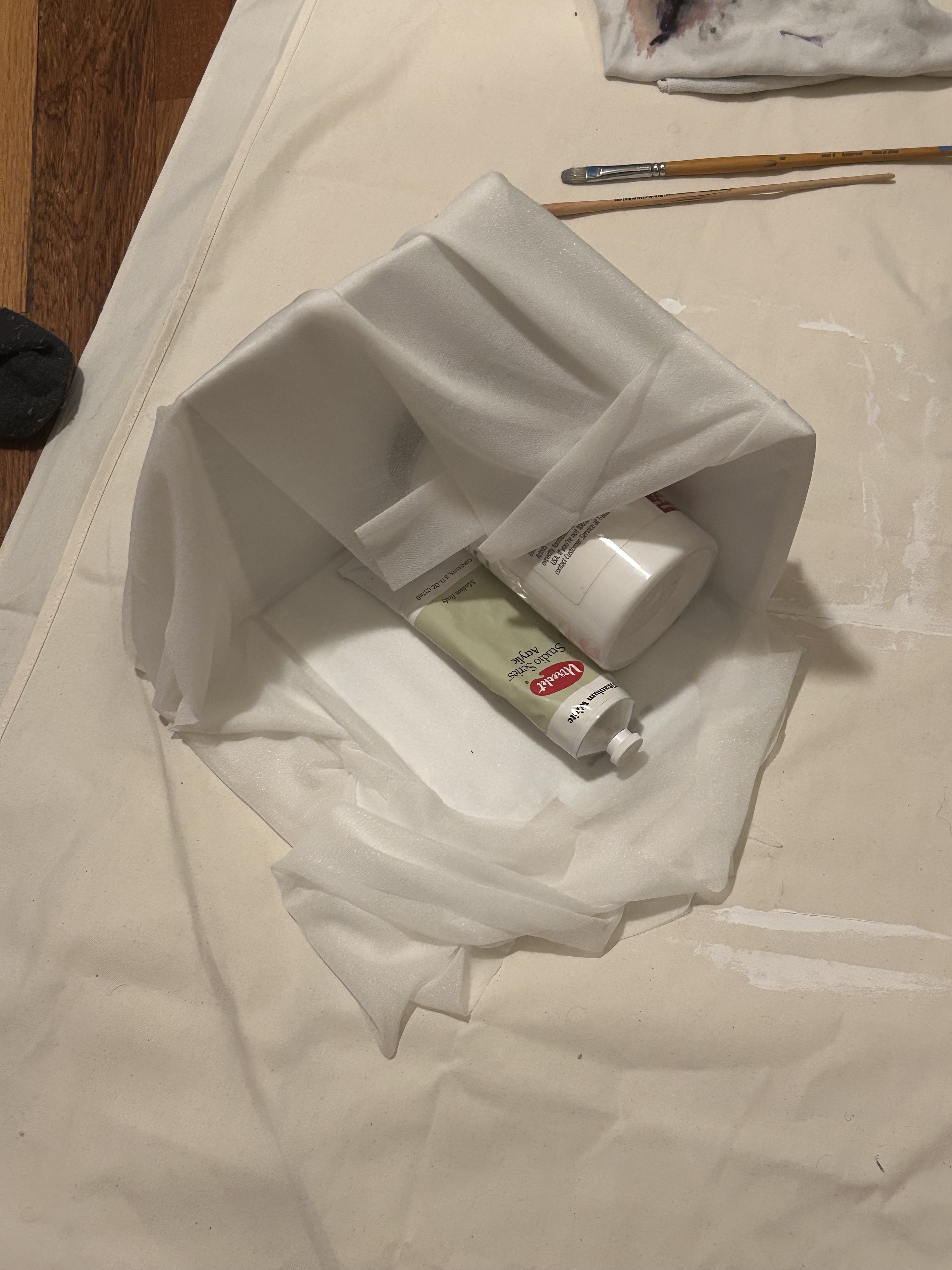
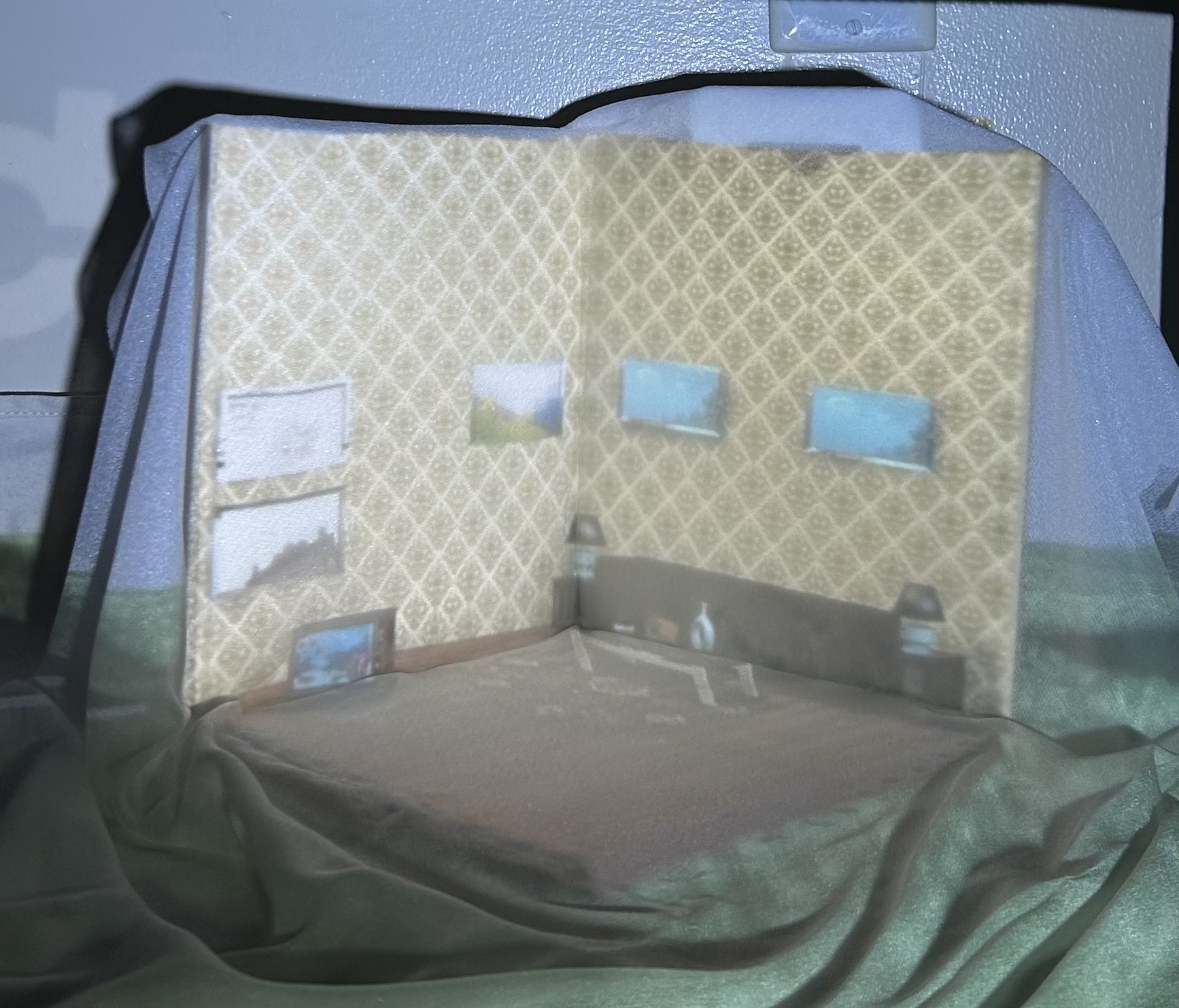
Problem: The projection needed a surface that could hold image quality, look intentional in the space, and be portable between locations.
Process: Tried fabric over cardboard for an ephemeral quality. The fabric diffused the projection and washed out the image. Needed something that could hold a sharp image while still looking designed rather than like raw material.
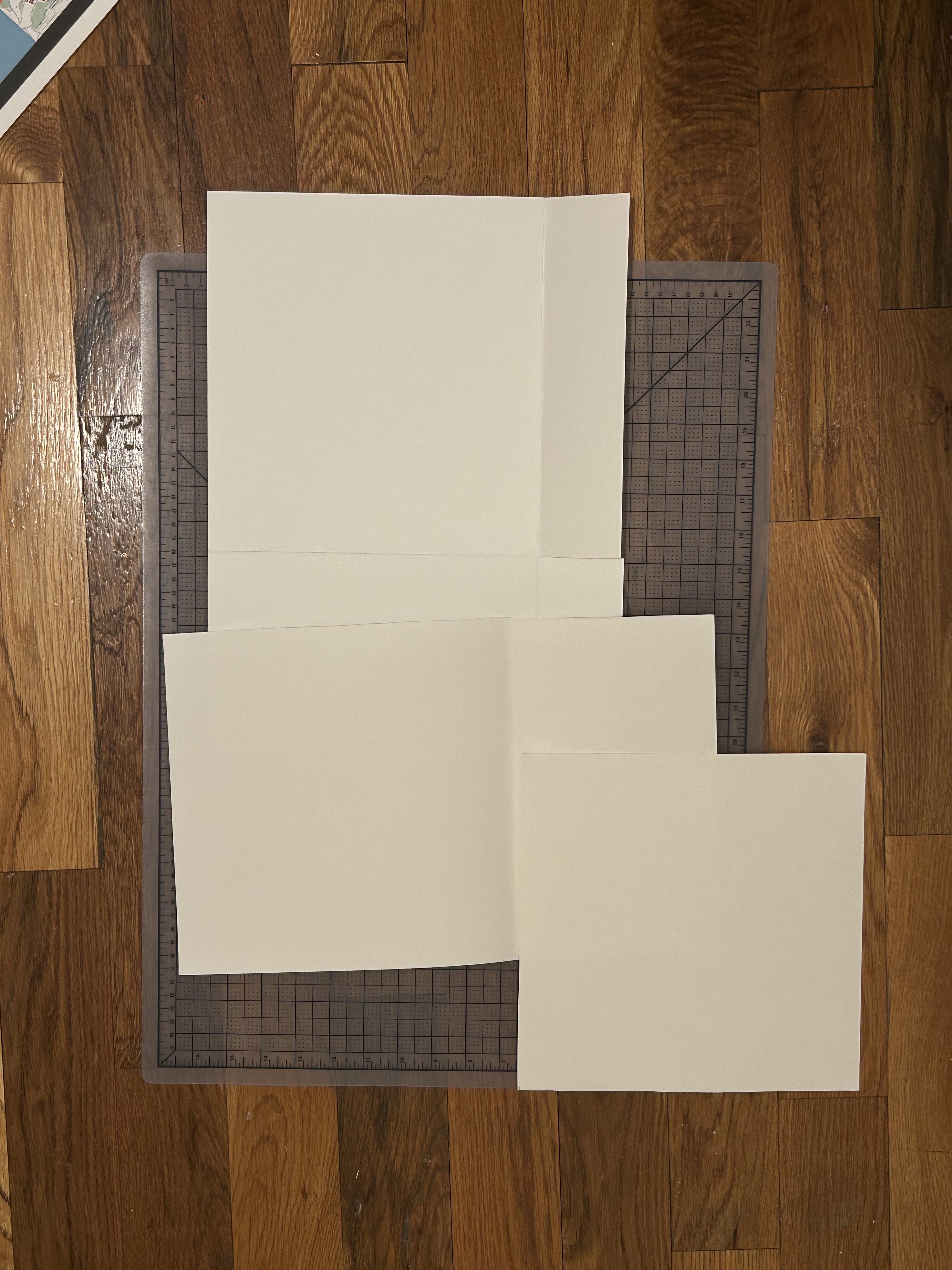
Decision: Switched to canvas paper folded into an origami-style structure. Held projection quality, had a cleaner look, and was light enough to transport and reinstall across locations.
04. Digital Interface: Platform Pivot
the rundown
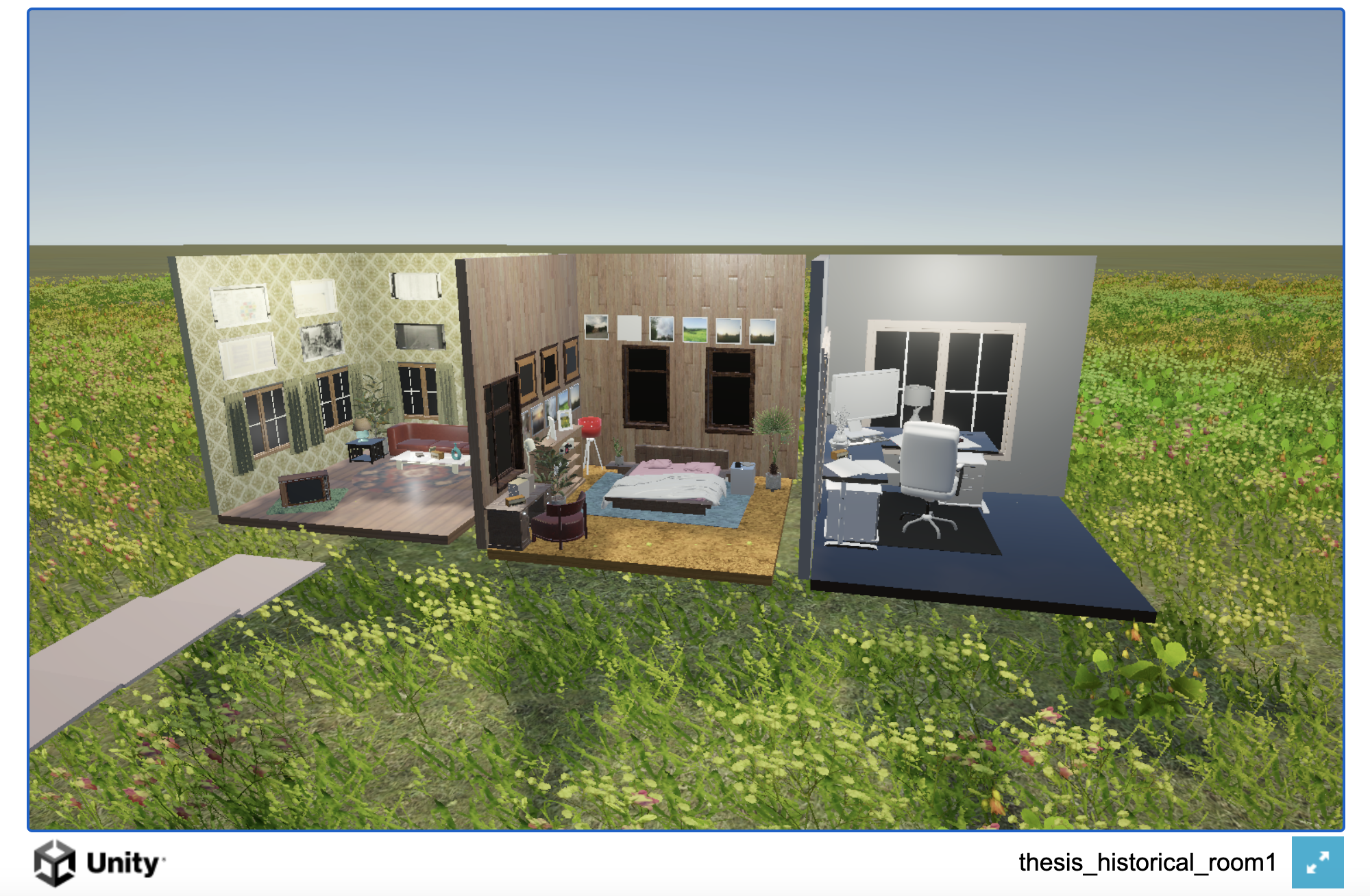
Problem: Unity scene wouldn't load on mobile via QR. Desktop user testing revealed a second problem: users felt the digital version looked too different from the physical installation, and desktop-only access limited participation during the live show.
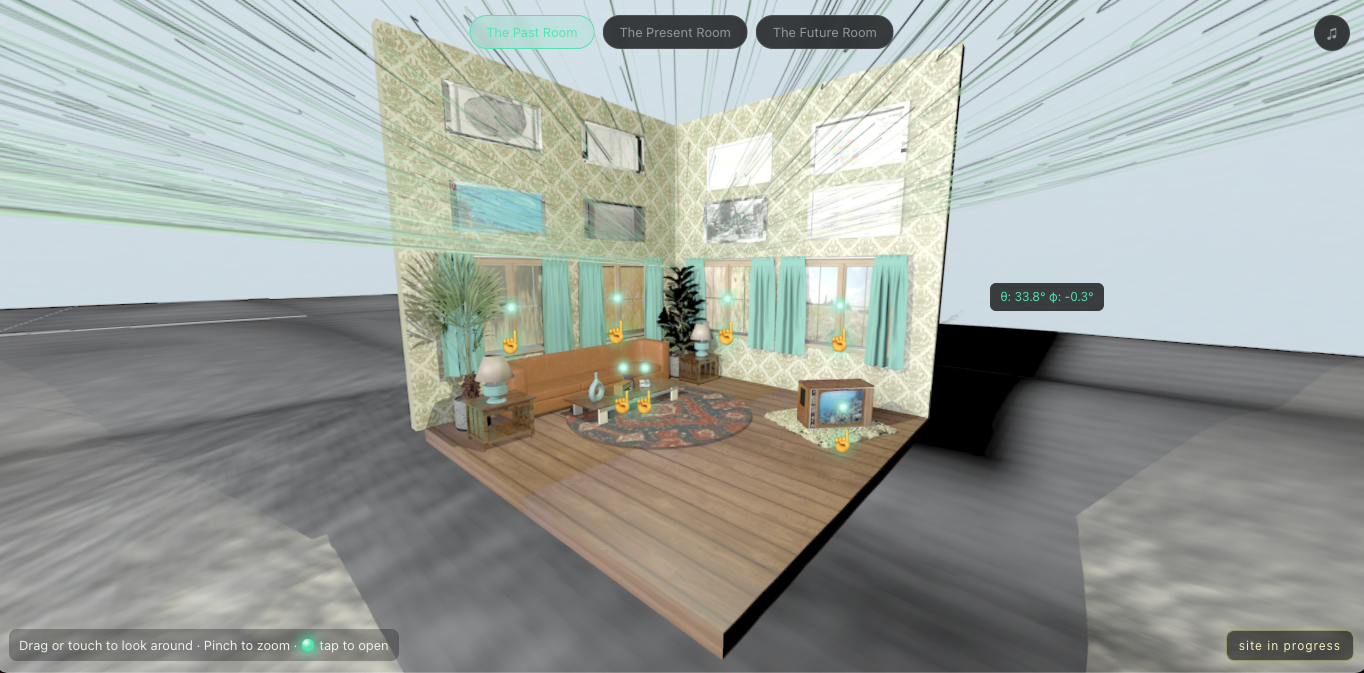
Fix: Rebuilt in Three.js using spherical renders from Cinema4D, mirroring the installation's exact aesthetics. Works on any device via QR.
Problem: The digital component needed to be accessible via QR on a phone at the physical installation — something someone could pull up in seconds and interact with immediately. Personal testing showed the Unity build wouldn't load on my phone. User testing confirmed it: the scene was too large to load on mobile, and compressing it didn't solve it.
Desktop user testing surfaced a second problem. Users reported that the digital experience felt too visually disconnected from the physical installation sitting next to it. The Unity scene had its own aesthetic that didn't connect to the 3D-printed house and projection. Being desktop-only also meant fewer people could access it live during the thesis show, which was a real problem for a piece designed around QR-driven interaction.
Decision: Rebuilt in Three.js using spherical renders from Cinema4D. The renders were made from the same 3D model as the physical installation, so the digital and physical versions share the same visual world. Mobile load time dropped significantly and the site works on any device via QR. See the original Unity build here.
05. Navigation: Onboarding
the rundown
Problem: No instructions. Users spent time experimenting instead of engaging with the content.
Fix: Added a landing page, a table of contents, and a small disclaimer pointing to clickable items. Reduced friction, increased content engagement.
Problem: The first version dropped users directly into the 360 environment with no onboarding. User testing showed people weren't sure where to start or that there was anything to interact with. They had to experiment to find the navigation, which meant time spent figuring out the interface instead of reading the content.
Decision: Added a landing page that frames the project before users enter the space. Added a table of contents that gives users the full structure upfront so they know what they're navigating toward. Added a small disclaimer in the environment pointing out that media items are clickable. The combination reduced the time users spent figuring out how to use the site and increased the proportion of people who actually engaged with the content.
06. Navigation: Click Interaction
the rundown
Problem: Media items were marked with dots. Users didn't know what they were clicking on, so many didn't click.
Fix: Two-stage click: first click reveals the item label, second click opens the media. Two tap targets (dot or label) so the interaction is forgiving.
Problem: Media items in the 360 environment were marked with dots. User feedback was consistent: people wanted to know what an item was before committing to opening it. The dots alone weren't enough information, and many users didn't click.
Decision: Added a two-stage click interaction. The first click reveals the item label, which also includes a note prompting the user to click again to open it. The second click, on either the dot or the label, opens the media. This gives users a preview before committing and provides two redundant tap targets, so the interaction is forgiving on both desktop and mobile.